iPad · App Store
Kaish App
Tag games, review video, teach with clips and telestration, and build presentations. Eligible Elite and Team access also includes same-network Bench DVR with compatible direct Blackmagic capture.
Filter the visible learning cards by product, task, or keyword. Written guides, troubleshooting, and direct support are organized here.
Showing all learning resources.
Tag games, review video, teach with clips and telestration, and build presentations. Eligible Elite and Team access also includes same-network Bench DVR with compatible direct Blackmagic capture.
Continue eligible workflows and manage secure Player Library sharing with invited players.
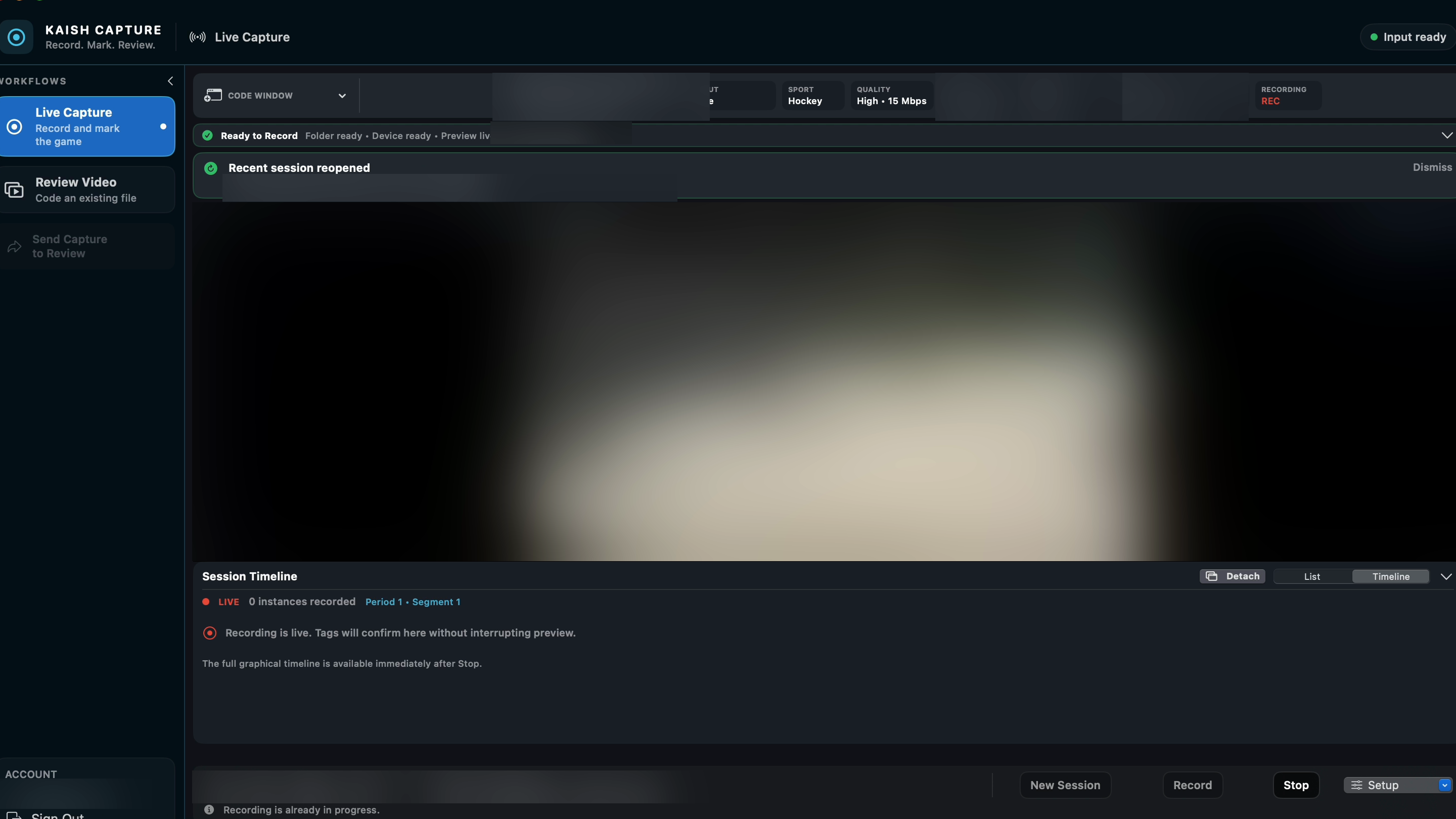
Capture live video or code an existing game, then move the work into Kaish App.
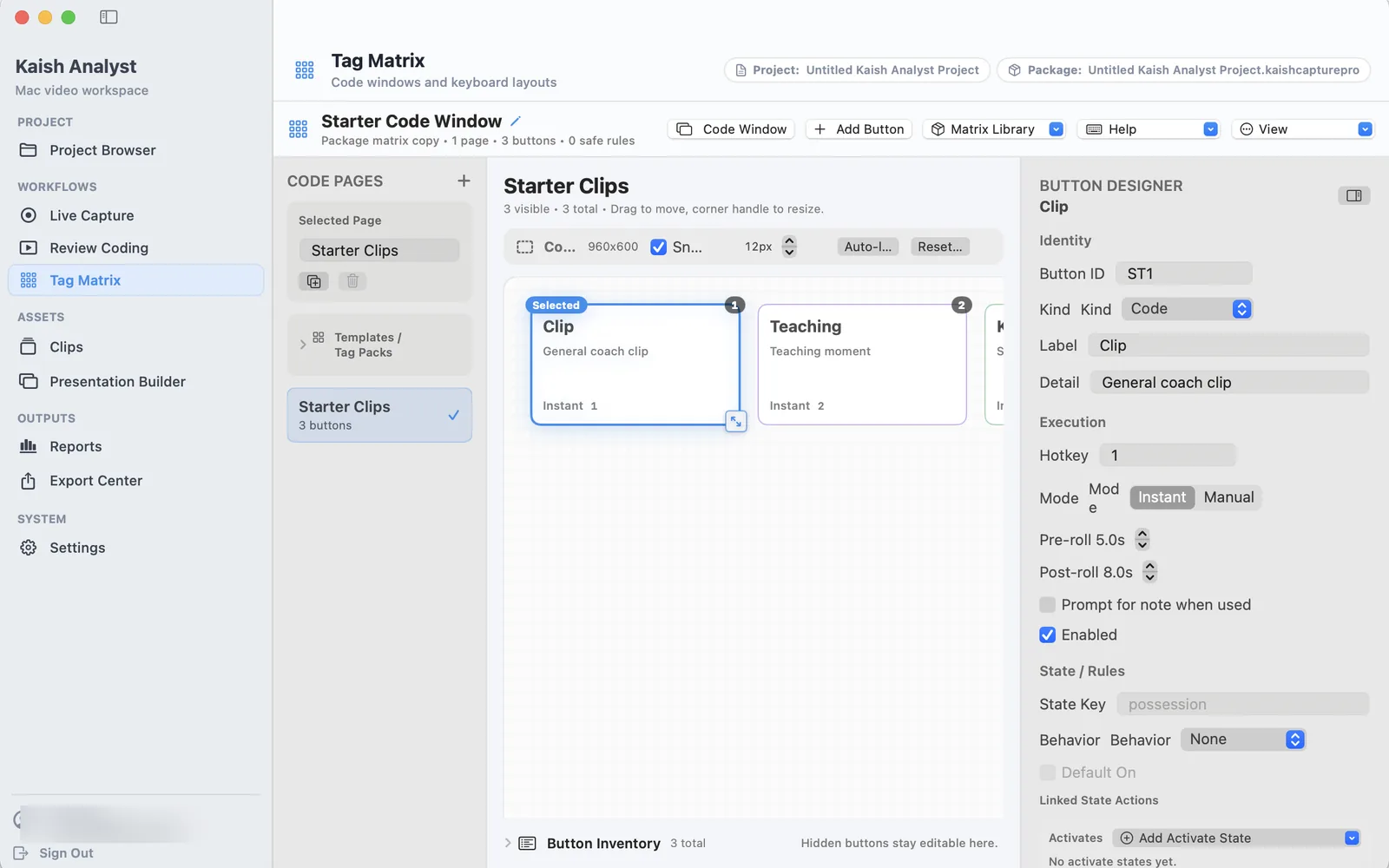
Run advanced coding, review, clip organization, presentation, report, and export workflows.
Manage player evaluations, reports, watchlists, lineups, and game preparation.
Use the separately assigned organization, team, role, trial, season, and approved historical-data scope. Confirm any approved data integration directly with Kaish.
These are the most common coaching workflows.
Understand the products, set up your account, and create the first game.
02Record live video or code an existing game on Mac.
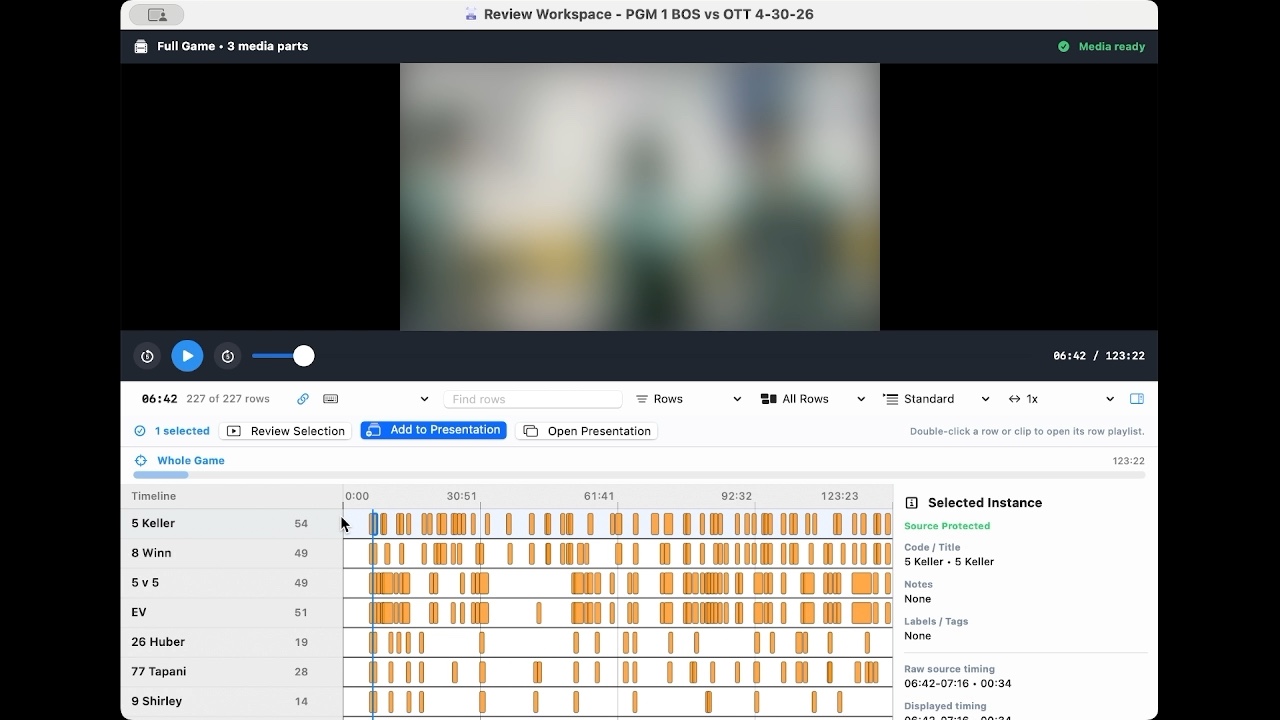
03Capture events, filter the timeline, add notes, and find teaching moments.
04Turn selected moments into a clear teaching presentation.
05Invite player accounts, choose an audience, publish securely, and review progress.
06Connect staff devices and understand Primary, Secondary, and Viewer roles.
07Fix sign-in, video, device, import, export, and sync problems.
Four current Analyst recordings are available here. Other Kaish products use illustrated written guides until their replacement videos are recorded and accepted.
Select a bounded event and verify it against the full-game timeline.
Play the bounded event range while preserving the source timeline.
Search a folder, choose a result, and add the selected clip to the active presentation.
Rehearse the ordered presentation and verify its clip ranges.
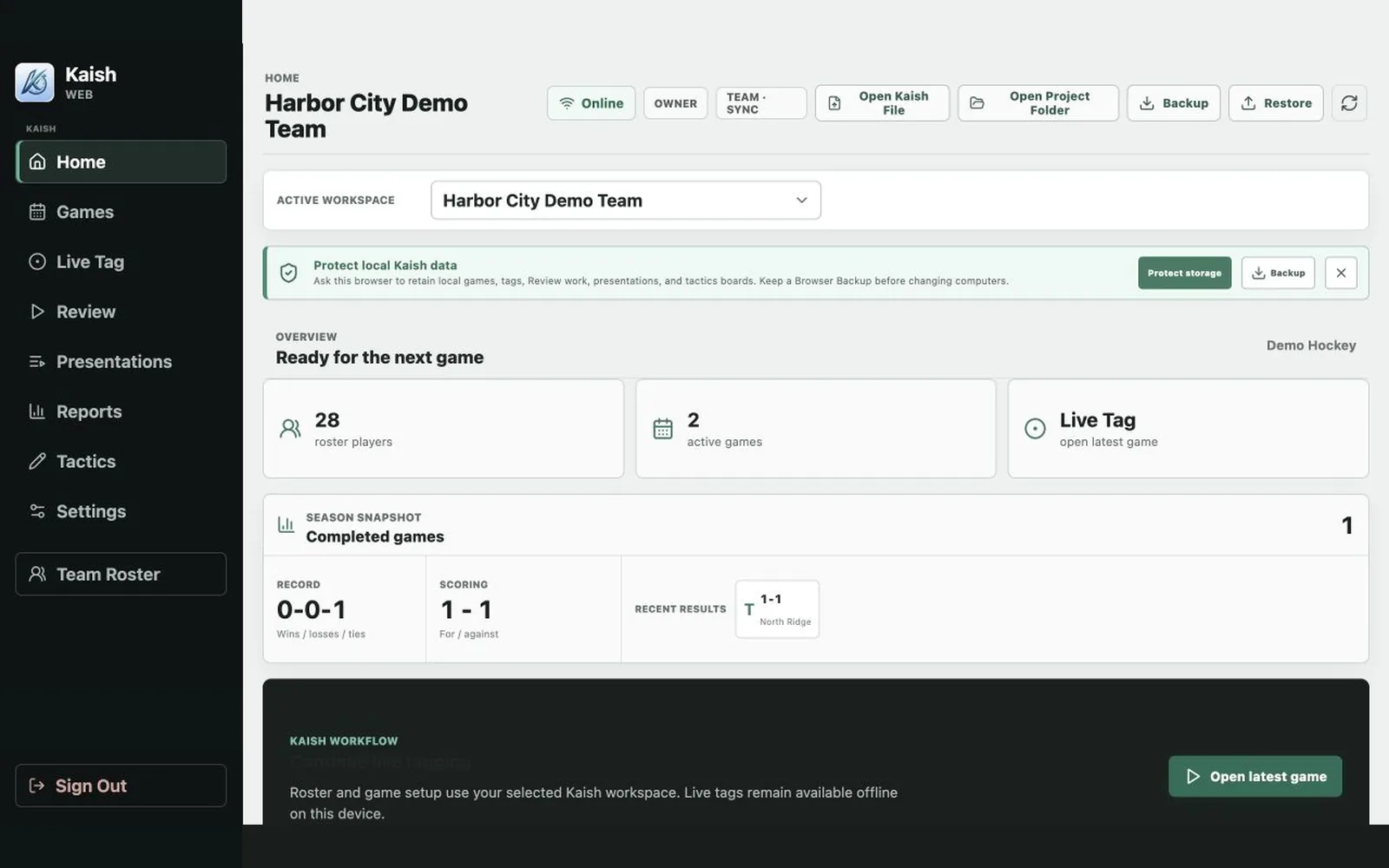
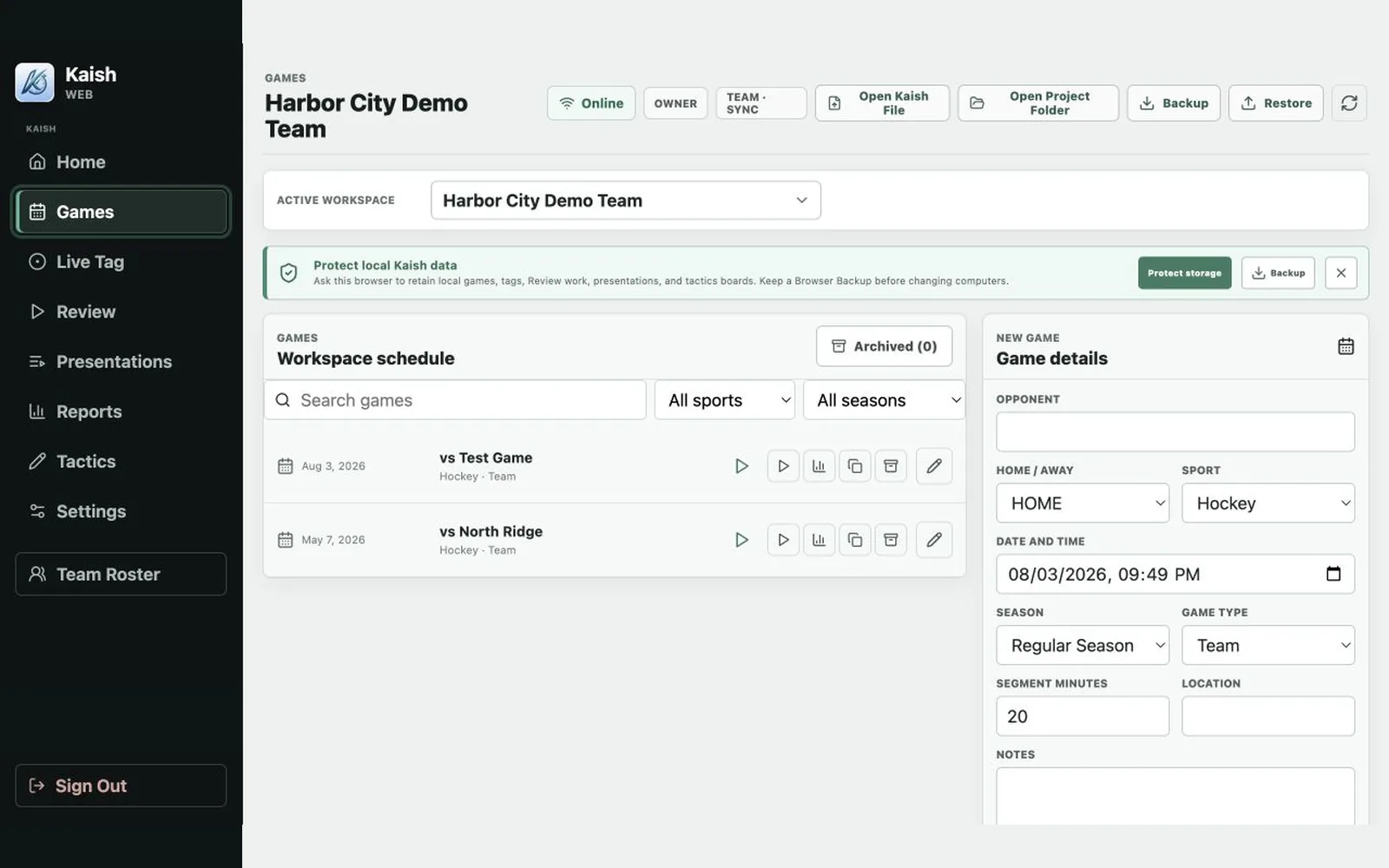
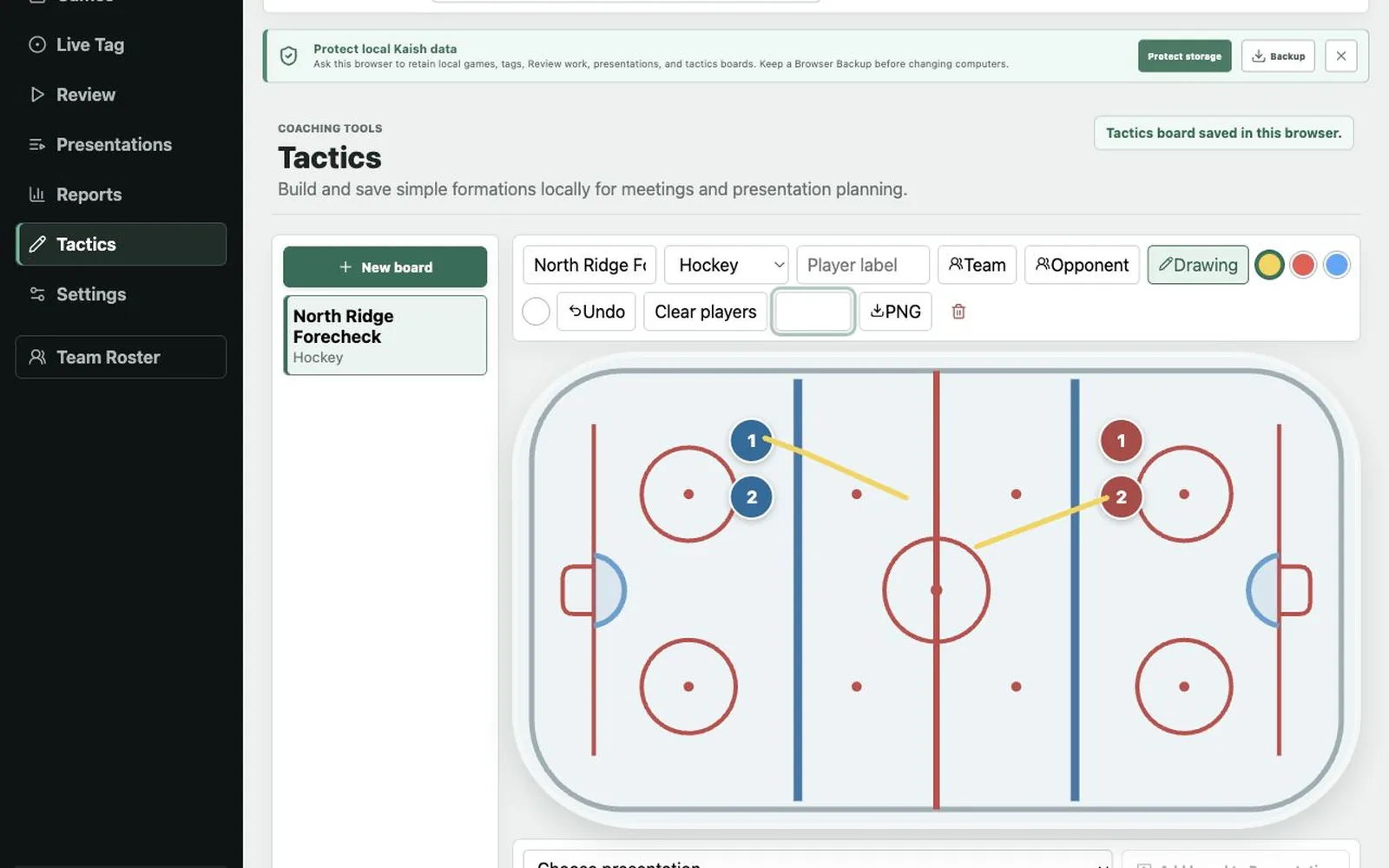
Tour Home, Games, Roster, Live Tag, Review, Presentations, Reports, Tactics, and Settings in the current manual.
Review workspace totals, next actions, recent games, and published lineups in the current Scout guide.
Create a game, tag moments, attach video, review clips and notes, run a Review presentation, and export an MP4.
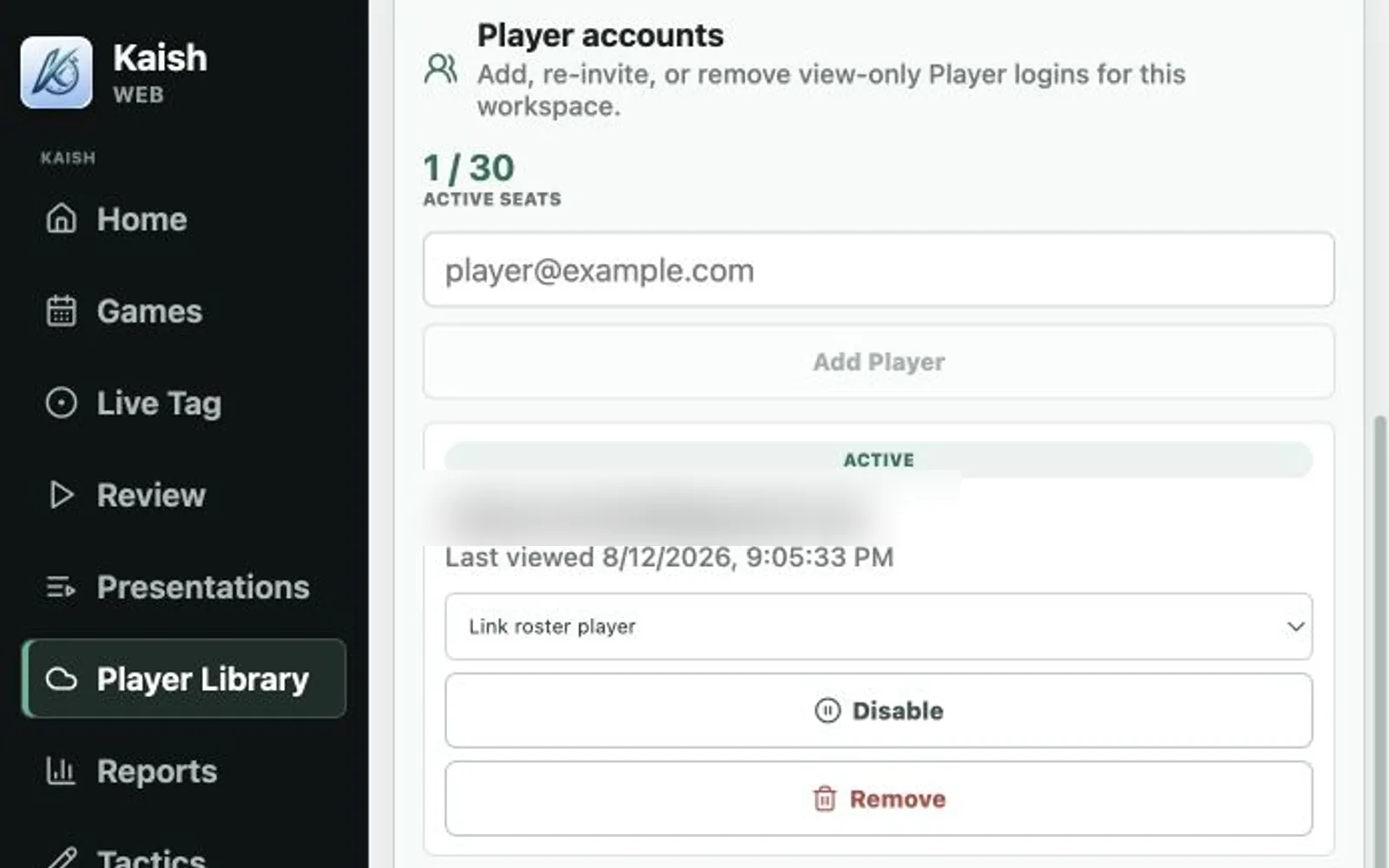
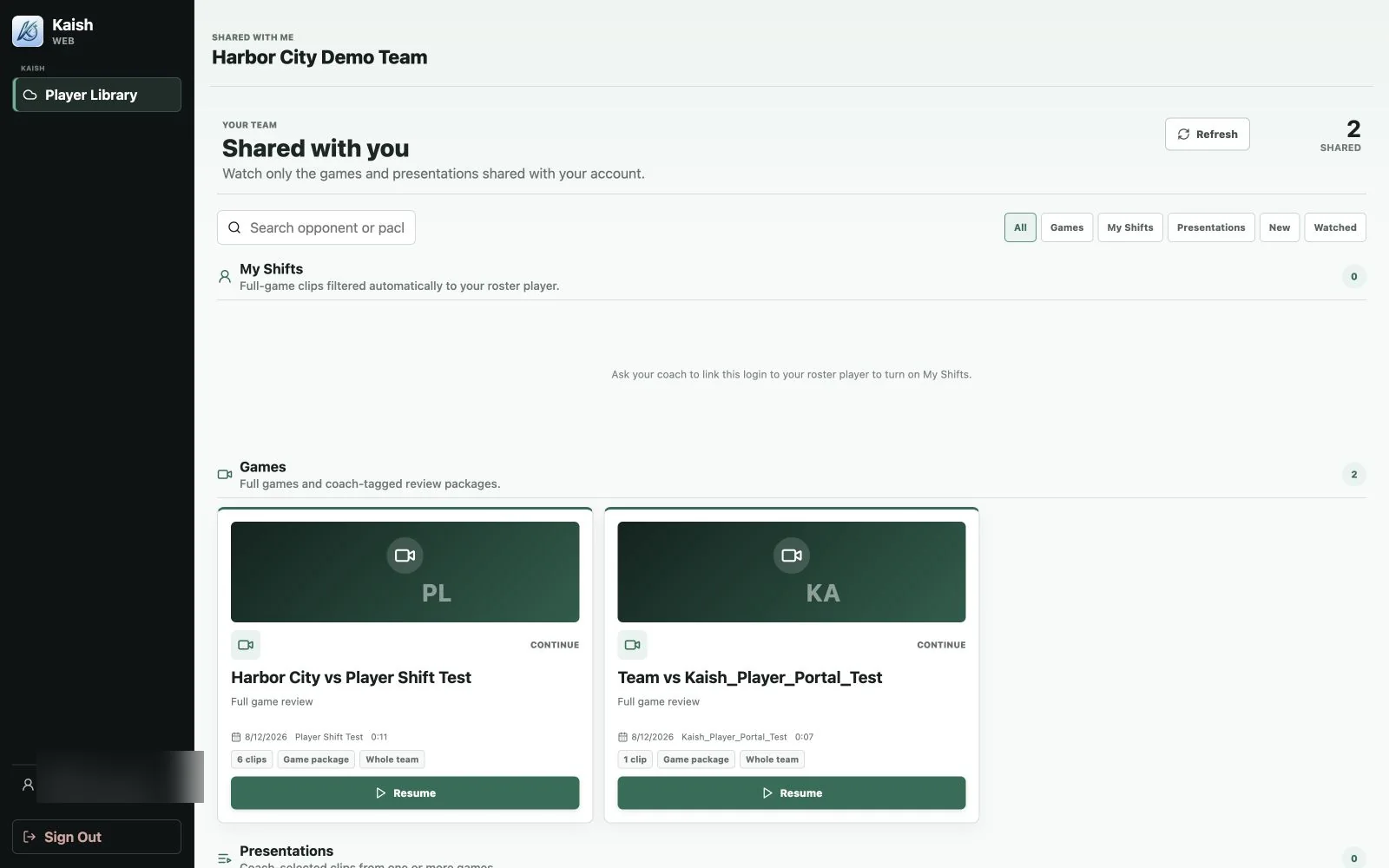
Understand viewer-only Player access and the separation between Player accounts and coaching tools.
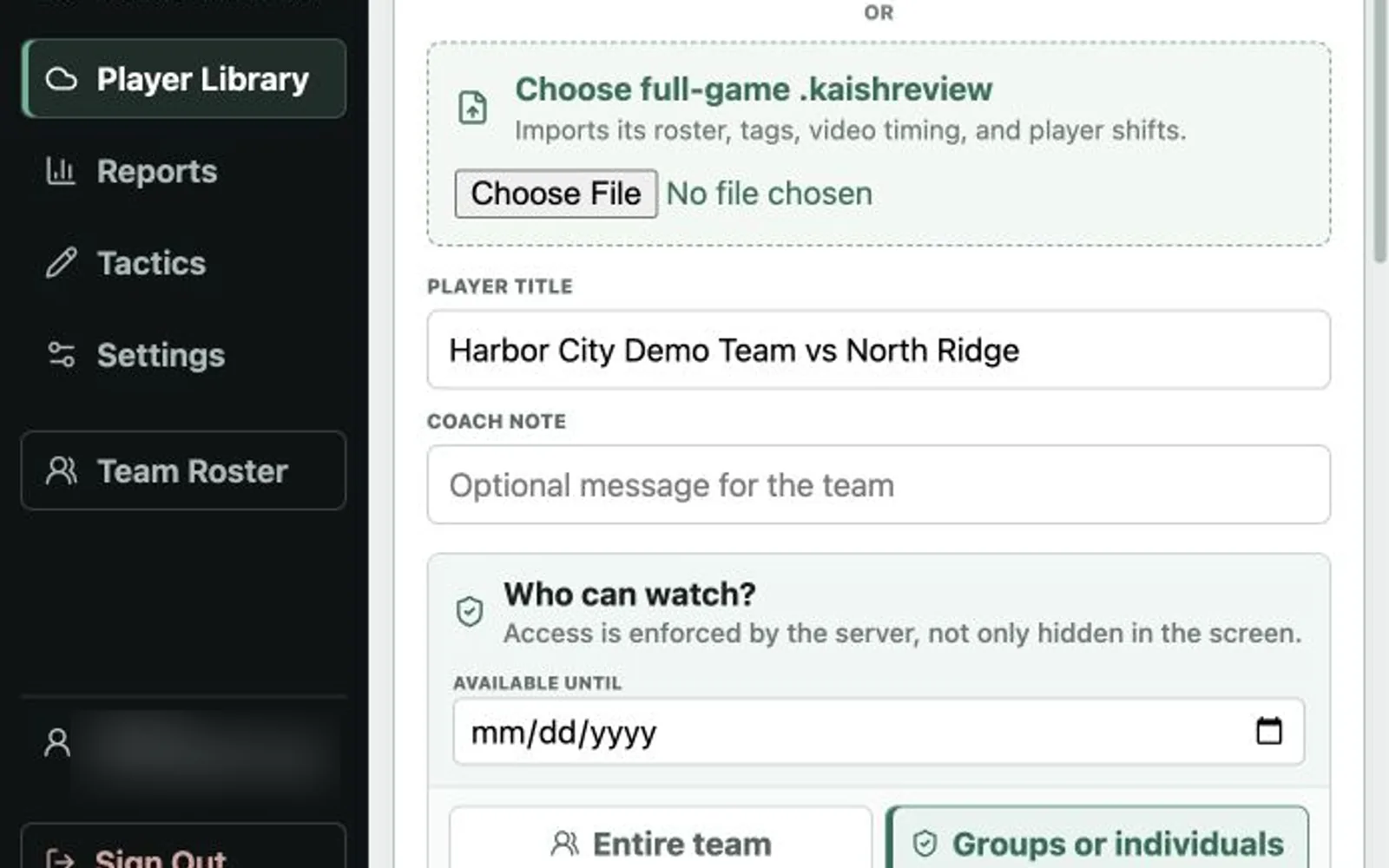
Review exactly who receives a whole-team publish before anything is sent.
Review whole-team or targeted audience controls and the optional availability date.
See the viewer-only Library and the honest My Shifts state before a roster link is added.
Filter by product or keyword above to narrow the visible library.
Try a shorter search, choose All, or contact Kaish and describe what you are trying to do.
Contact Support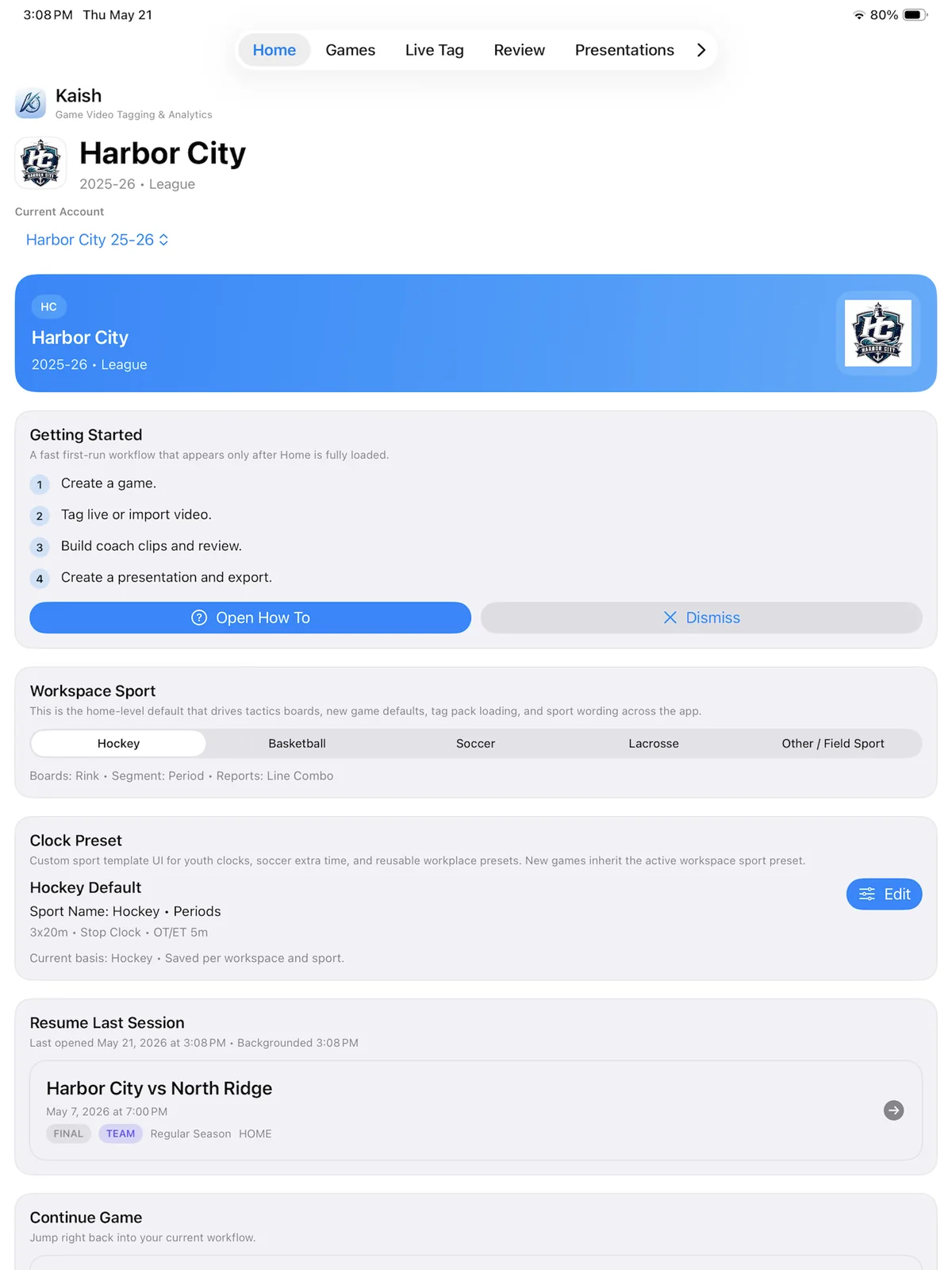

Tell us your sport, level, current video process, and what your staff needs to accomplish after each game.