Play a selected clip
Play a selected clip with review controls close at hand.
Use the written Review Coding guideCapture live sources, code the game, review events, organize clip bins, build presentations, add coaching drawings, and report on the work from one Mac workflow.
Move from package setup and review coding to clips, presentations, coach drawing, reports, and export without changing tools.
These short recordings show the current Kaish Analyst workflow in the real app. Written workflow guides remain available below each video.
Play a selected clip with review controls close at hand.
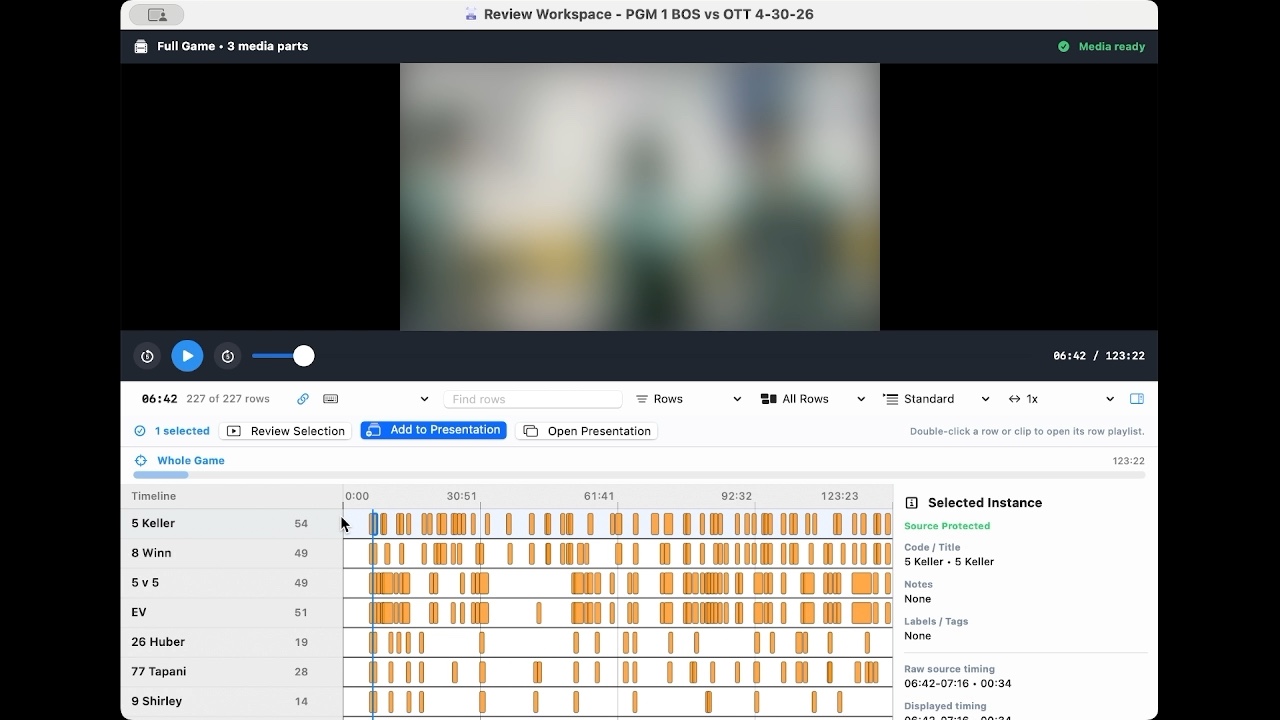
Use the written Review Coding guideScan tagged moments across timeline rows and inspect a selected instance.
Use the written Review Coding guideSelect presentation rows and preview their linked clips in sequence.
Use the written Presentations guideSearch supported Kaish metadata, select a matching clip, and add it to the active presentation.
Use the written Find guideKaish Capture is the Mac companion included with Kaish Elite and Team. Kaish Analyst is a separate premium workstation, with one Analyst seat included for the Elite account owner and one Team seat initially assigned to the workspace owner and reassignable to another staff member, for staffs that need deeper Mac-based analysis and presentation workflows.
For individual video coaches, analysts, consultants, and small staffs that need Kaish Analyst access outside a Team workspace.
Elite includes one Analyst seat for the account owner. Team includes one Analyst seat initially assigned to the workspace owner and reassignable to another staff member. Add more seats only when they are needed.
For programs with multiple video coaches, analysts, or staff users that need a shared workspace and bundled Kaish Analyst seats.
Advanced Mac workflows for staffs that need deeper capture, coding, clip organization, presentation, reporting, and access management.
Record from supported input-capable Blackmagic hardware while coding game context live.
Keep the live preview visible while DVR playback opens in its own resizable window. The protected DVR path requires supported direct Blackmagic input; iPad replay is included with eligible Elite and Team access on the same local network.
Open recorded video, review clips, work across Full Game and Current Segment timelines, and save editable projects.
Build coding buttons, state labels, rule presets, and repeatable staff workflows for consistent review.
Organize Package Clips into focused bins and use Clip Hub for reusable app-level teaching libraries.
Combine clips, imported slides, images, and PDF pages into teaching rows for meetings.
Bring in teaching media alongside clips. Export PowerPoint or Keynote as PDF, then import the PDF as slides.
Add visual teaching context with coach drawing tools during review and presentation prep.
Use XML import/export workflows for review coding and compatible staff handoff.
Build staff-facing outputs and CSV-ready report views from package clips, presentation rows, and player metadata.
Save, reopen, relink, and share package/project work with the source media organized for staff use.
The Analyst seat included with Kaish Team starts with the workspace owner and can be reassigned to another staff member from Account & Team Admin. Add another annual seat when needed.
Four current product recordings document Review, clip playback, Find, and Presentation. Additional cards use verified real-interface screenshots from retained product workflows; cards without accepted media stay text-first.
Create, open, save, and recover package-backed projects.
Review Coding remains available in the written workflow.Play bounded clips, inspect timing, and work in full-game context.
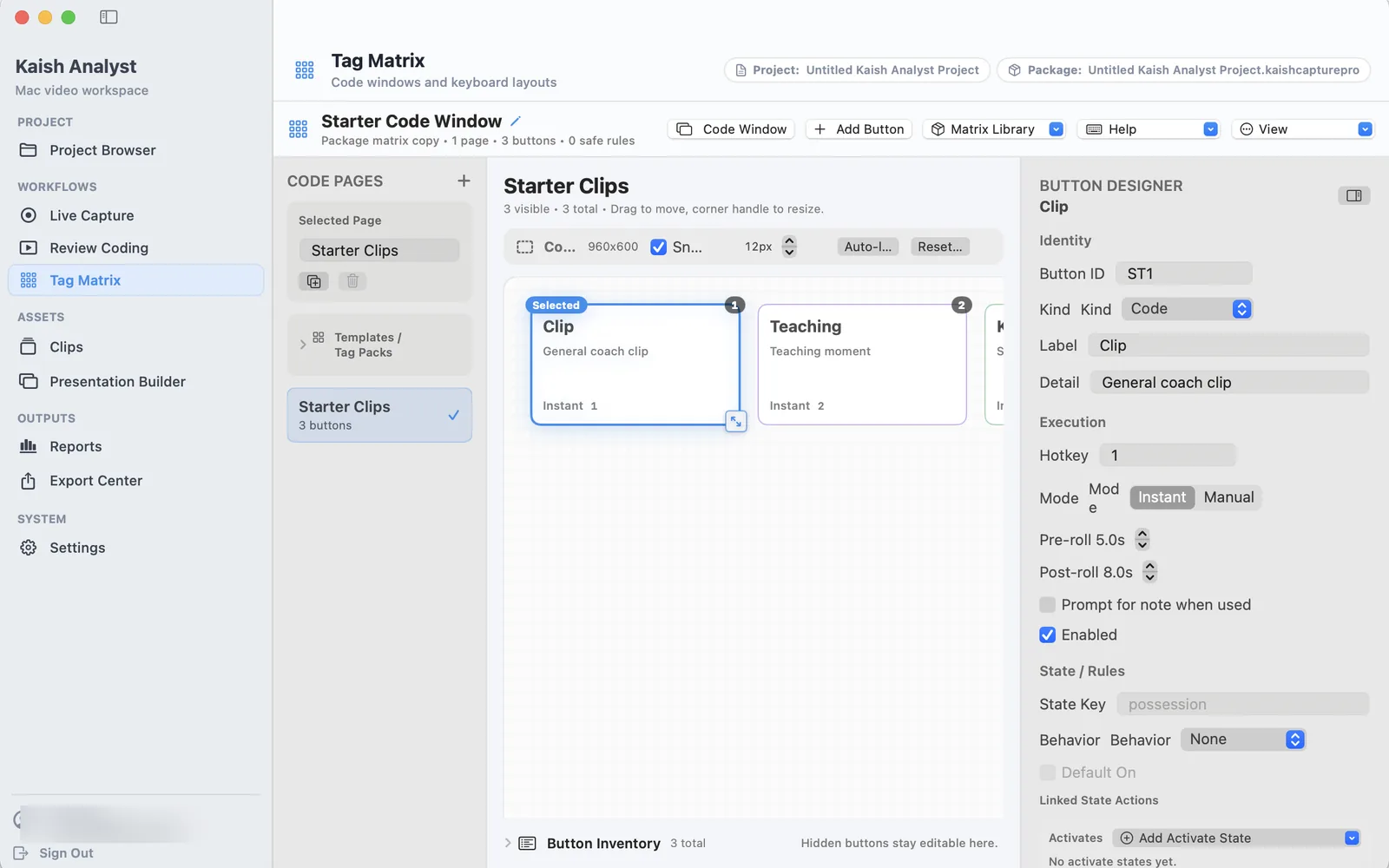
Build repeatable coding controls around the events your staff teaches.
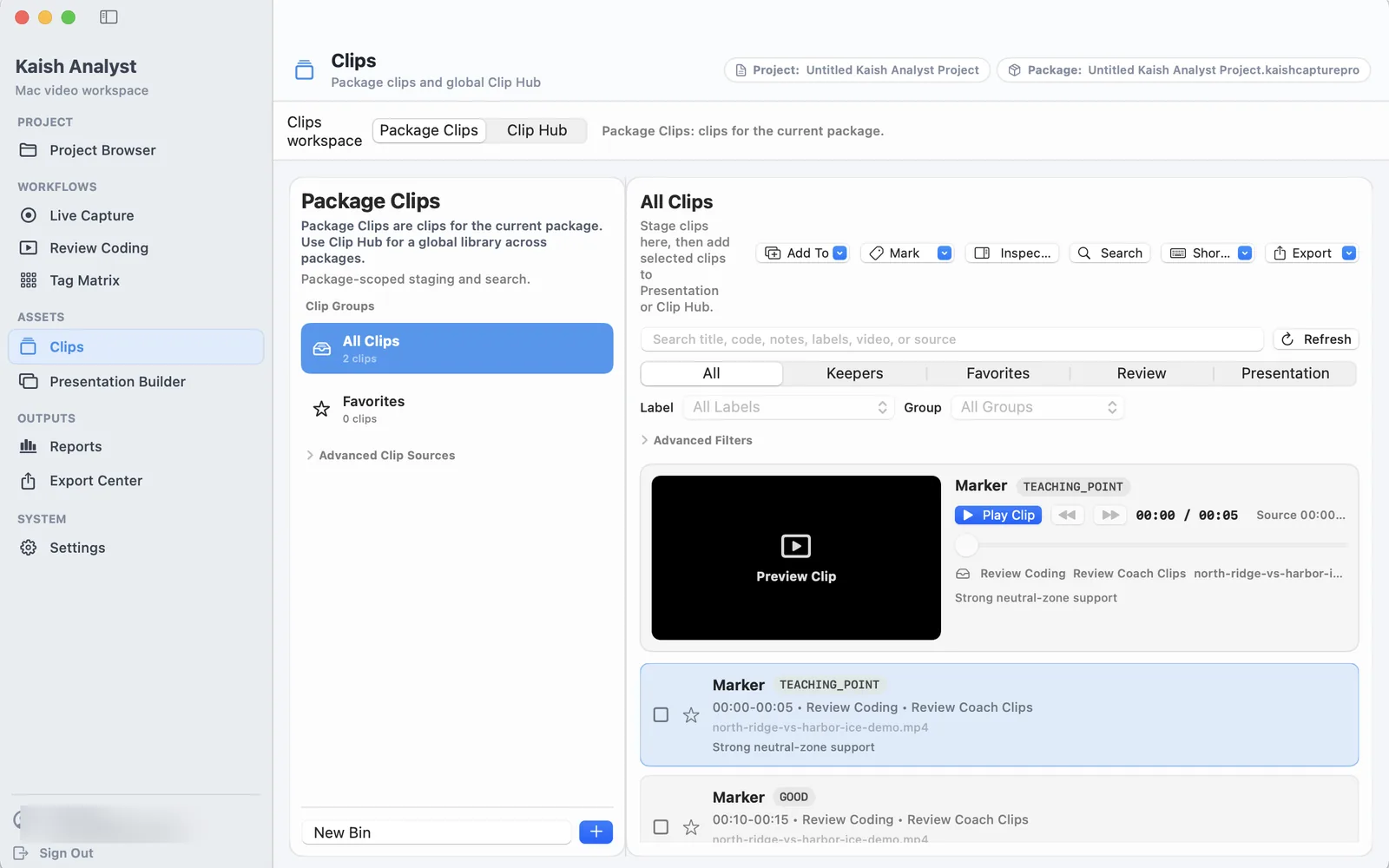
Organize package-specific moments and reusable teaching clips.
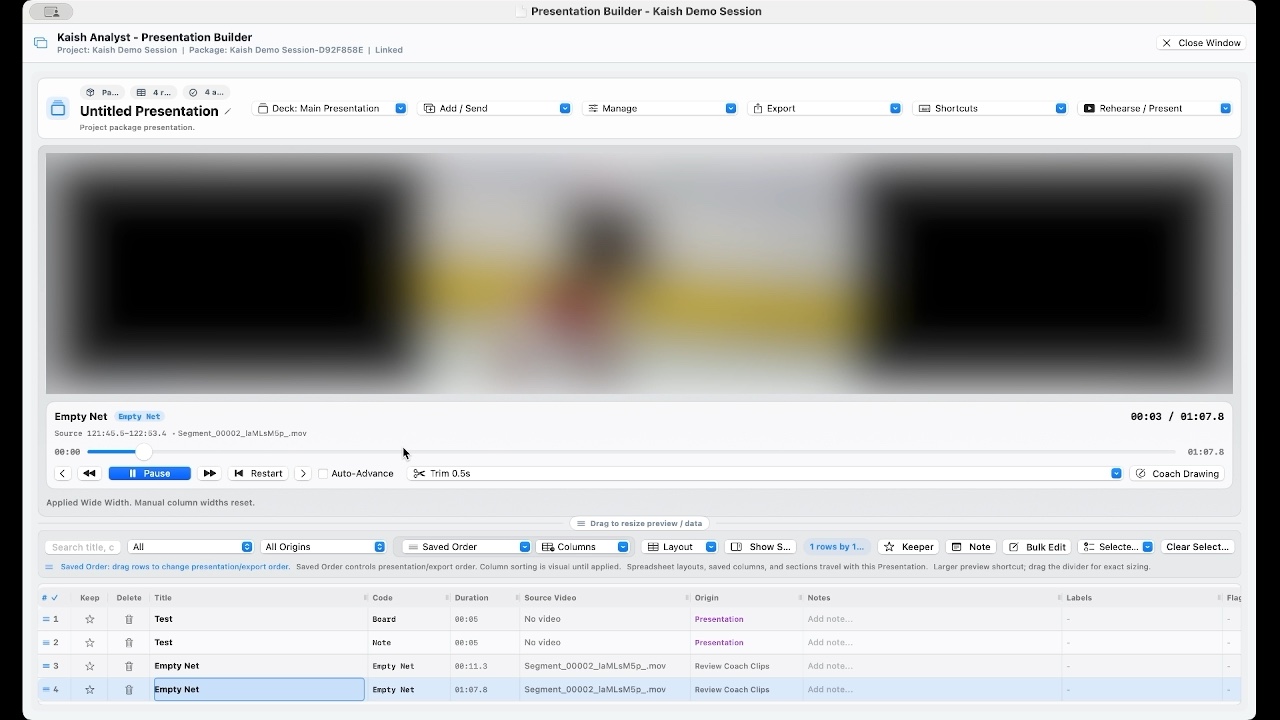 Presentation Builder remains available in the written workflow.
Rehearse exact clip ranges, then save reference or standalone meetings.
Add the teaching mark directly to a selected clip.
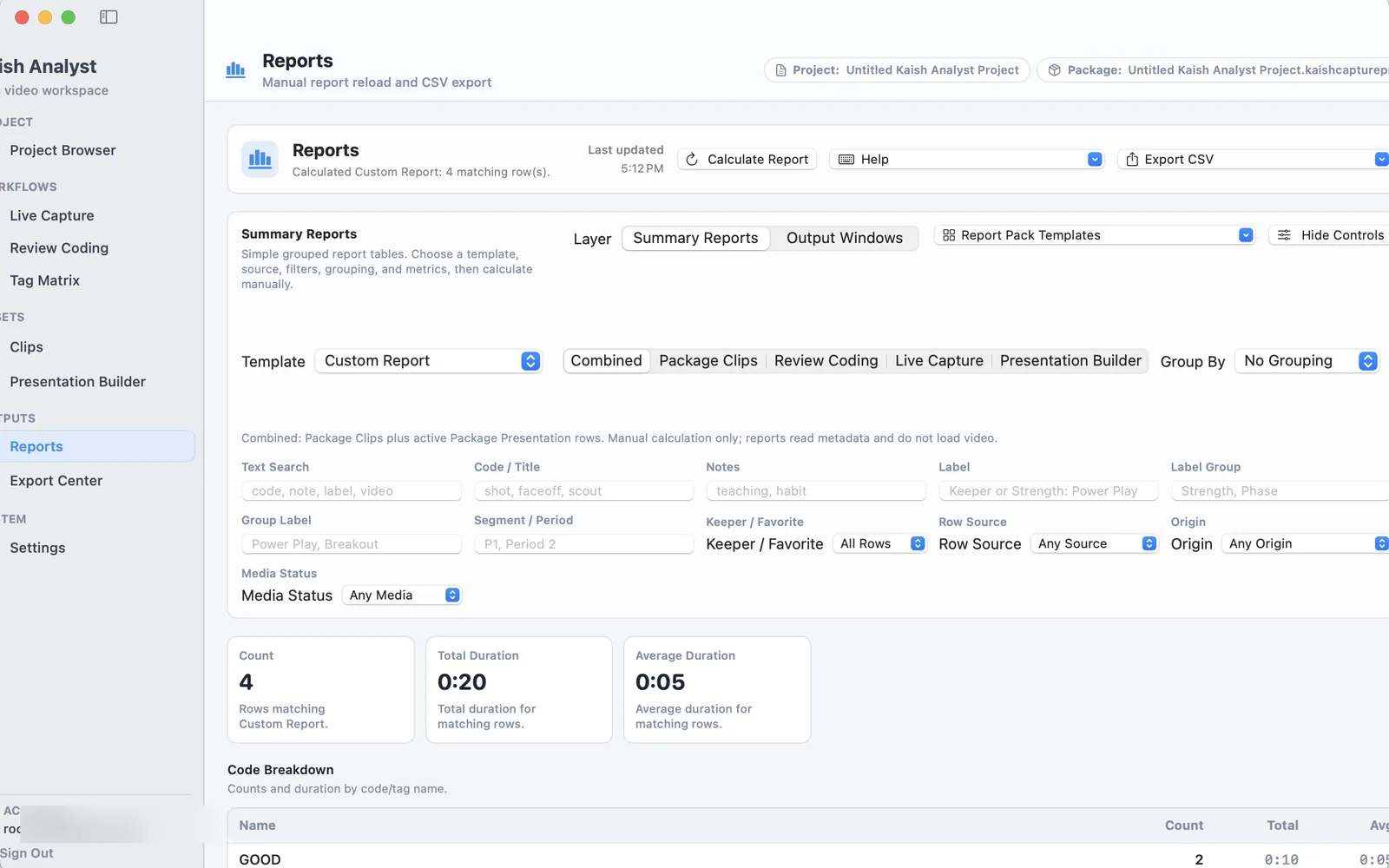
Turn coded events into useful staff summaries and CSV output.
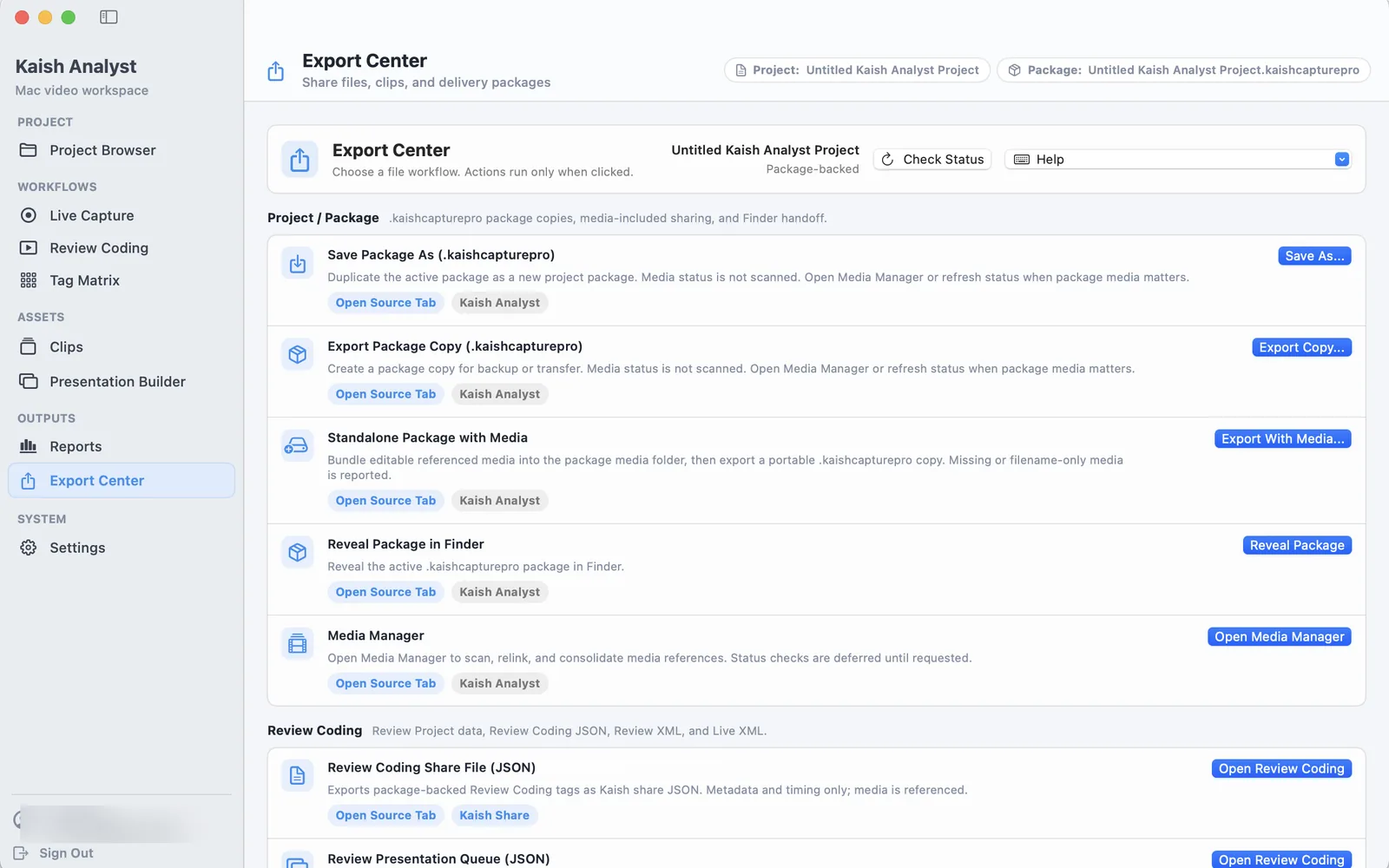
Choose the package, media, review, or sharing output for the next workflow.
Keep capture, review, shortcuts, and coaching tools consistent.
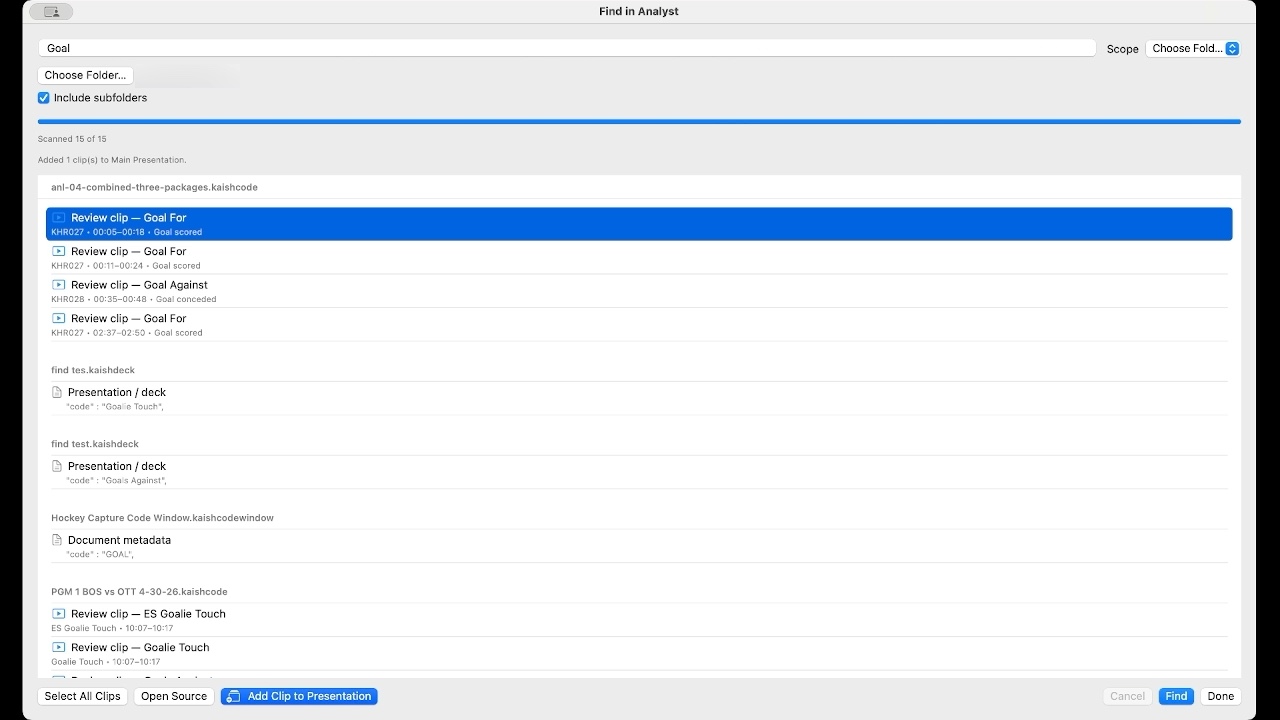 Find Across Files remains available in the written workflow.
Search supported metadata across open documents or a selected folder.
Create presentation video, Sportscode, and other supported output from selected clip ranges.
Sign in with a Kaish Analyst-enabled account to download the Mac app.
Choose a Kaish Analyst plan below to start checkout. Once your account has Kaish Analyst access, use the gated download area to sign in and download Kaish Analyst.
For individual video coaches, analysts, consultants, and small staffs.
Elite assigns one Analyst seat to the account owner. Team assigns its included Analyst seat to the workspace owner initially, and the owner can reassign it to another staff member. Add more seats from Account & Team Admin.
Manage account & seatsFor programs and organizations that need multiple teams, Analyst seats, or organization-level Scout access.
Discuss a program packageUse the Kaish Analyst Help Center for quick start, full manual, presentation workflows, Tag Matrix rules, access, and troubleshooting.