Kaish Capture
Live Capture and Video Sources
Create a session, keep preview live while tags are built, and finish with an editable .kaishcode project that may contain or reference its media.
Supported source routes
| Source | How it appears | Live DVR |
|---|---|---|
| Compatible input-capable Blackmagic DeckLink / UltraStudio | Blackmagic DeckLink (Default) or the named input device | Available only on the verified direct Blackmagic route |
| FaceTime / Continuity camera | Named camera exposed by macOS | Not currently supported |
| USB/UVC camera | Named camera exposed by macOS | Not currently supported |
| OBS Virtual Camera | OBS Virtual Camera after it is started and sources are refreshed | Not currently supported |
Anything exposed as a compatible macOS camera can be tested for normal recording. Bench DVR uses the verified direct Blackmagic input path; output-only hardware such as an UltraStudio Monitor is not a capture source.
Create and record the session
- Choose New Session or Capture → New Capture Session….
- Enter Session Name and optional Opponent / Event.
- Choose Sport Profile, Quality, and the destination folder.
- Open Setup and select Video Source and Audio Source.
- Wait until every required readiness check passes.
- Press Record, tag moments, then press Stop.
- Wait for finalization before moving or opening the package elsewhere.
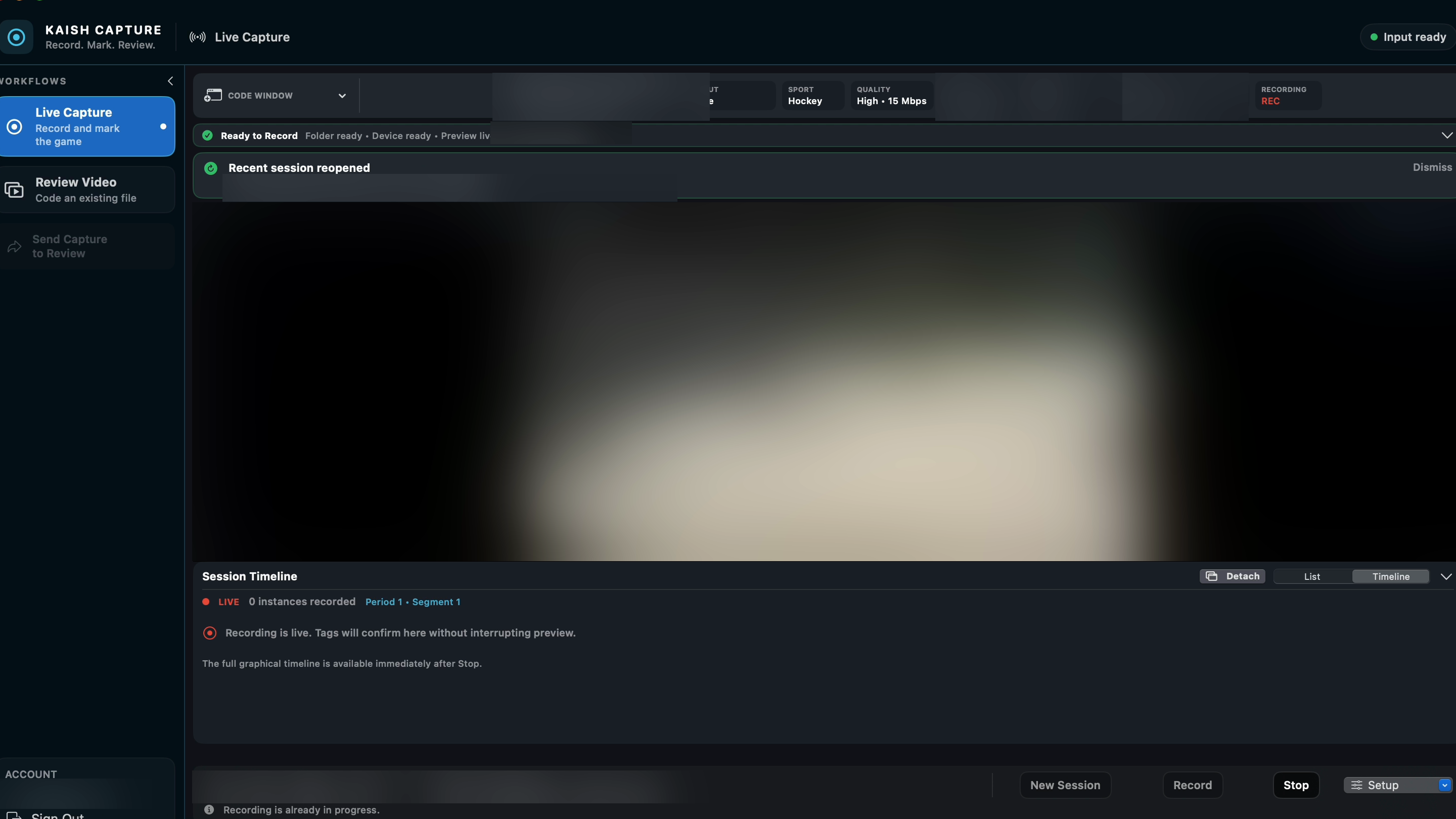
OBS setup
- Add the camera, browser, capture card, or network source to an OBS scene.
- Choose Start Virtual Camera. Do not choose Start Streaming unless you also intend to send an internet stream.
- In Kaish, open Setup and wait for the video-source list to refresh automatically.
- Select OBS Virtual Camera.
- Choose a separate Audio Source if the OBS virtual camera does not expose the audio you need.
- Record a short test and confirm both picture and sound.
Kaish refreshes available video sources automatically when Setup opens or the source changes; do not rely on an obsolete “Refresh Video Sources” instruction.
Tag without pausing preview
Live Code Window actions record timestamps and prepare clips away from the preview path. Longer pre-roll and post-roll should not block or pause the live picture. The full graphical timeline is completed after Stop.
Common checks
- Close Media Express or another app holding a Blackmagic device.
- Match the source format and confirm a stable signal.
- Grant Camera or Microphone access when the chosen source requires it.
- Choose a destination with enough free space and keep external storage connected.
- Do not change capture source or destination during an active recording.